01
Find the order
The order number and the email address from that order. That is the whole sign-in. There is nothing to sign up for and no password to forget.
UnReturns — returns management for Shopify
Someone asks for a return and you pay them back. The box shows up a week later, and that is when you find out what is actually inside it. UnReturns runs the whole return for Shopify stores: your customer asks through your own portal, chooses a refund, an exchange or store credit, gets a label, and whatever comes back is inspected and recorded. Verification is configurable — cheap returns from customers who have never given you trouble finish on one screen with no camera, and the camera opens only when an order is expensive or the risk justifies it. You set every threshold.
Scroll
 01 Their table, before the box is taped shut
 02 Your bench, the day the box turns up
UnReturns runs the whole return, not just the check. Your customer opens the returns page on your shop, picks the item and says why. Your eligibility rules decide whether it can go ahead, and they choose how they want it settled — a refund, an exchange for a different size or colour, or store credit. Approved returns get a shipping label. When the parcel comes back, your team inspects it, grades it, and records what should happen to it. Verification sits inside all of that: low-risk returns finish on one screen with no camera, and the camera opens only when an order is expensive or the risk rules trigger.
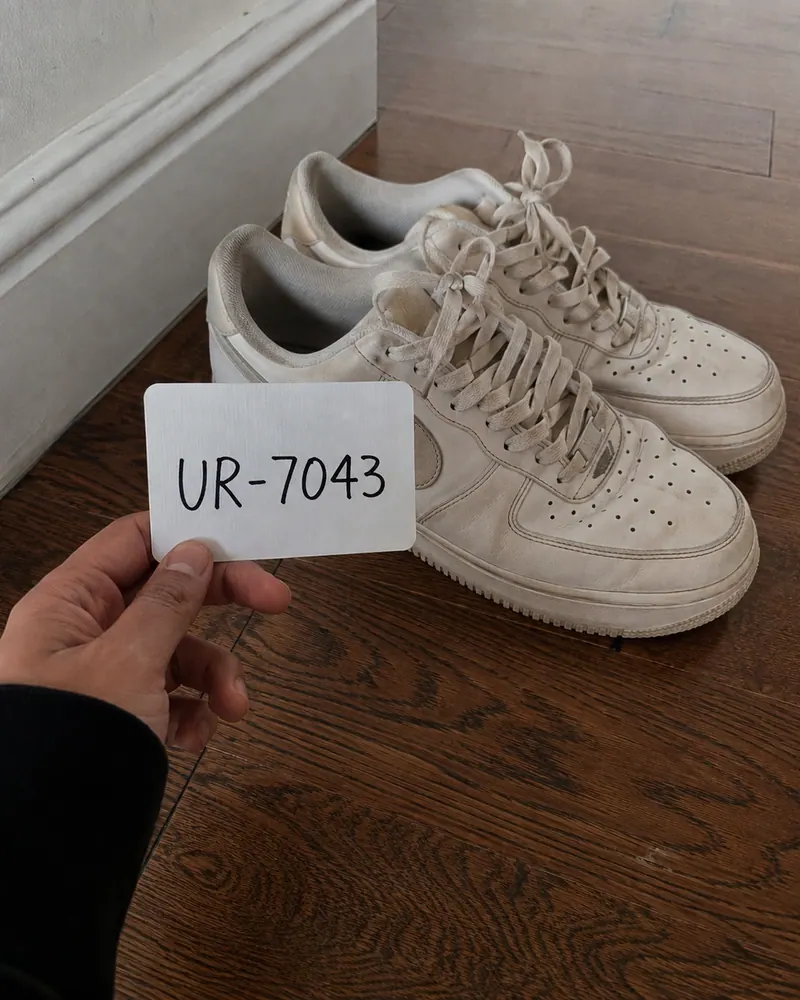
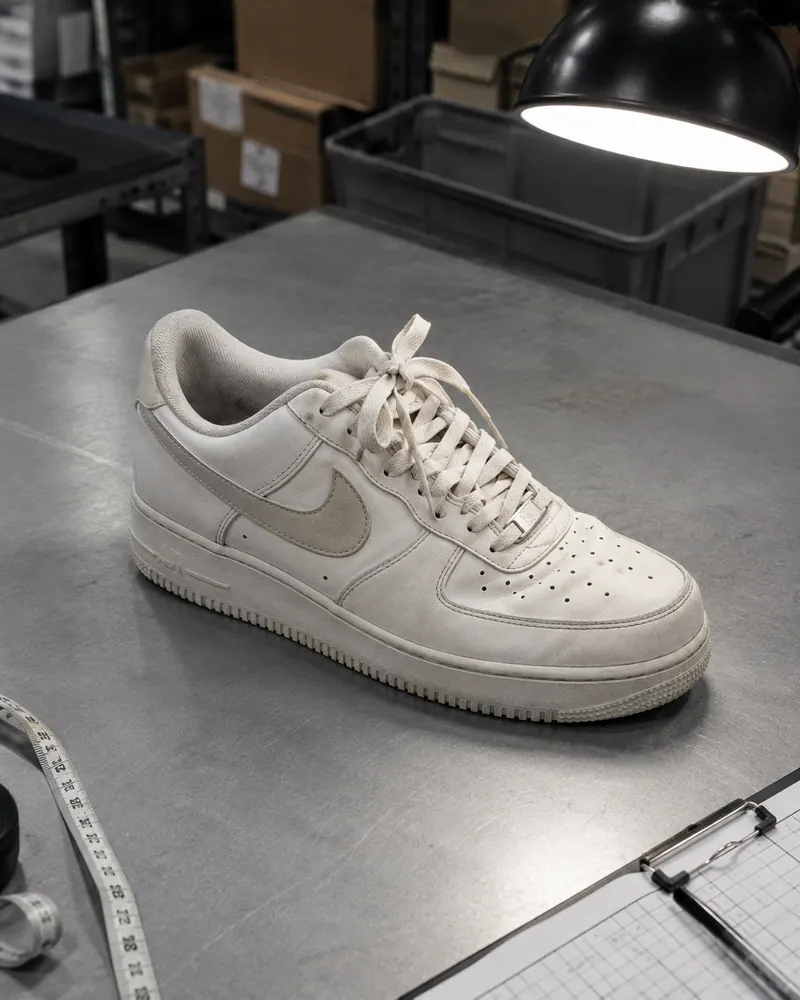
Before your customer sends anything, they hold the item up to their camera and our AI checks it. Later, when the box reaches your warehouse, your team unpacks it and photographs whatever was inside. Your UnReturns dashboard puts those two pictures next to each other, so you can compare the item they showed you with the item you received.
Drag · or use the left and right arrow keys
The code is made the moment your customer picks a reason, so nobody can write it down in advance. A second check makes sure the item itself is in the picture.
One limit, said plainly. This puts two sets of photos side by side. It cannot tell you the item is the exact one you posted, because nothing photographs your stock going out the door. It raises a flag for you to look at.
UnReturns runs three modes. The default skips the camera for cheap returns from clean customers, letting them finish on one screen. The camera only opens when an item is expensive or risk signals call for it. You set every dollar threshold and risk rule, or you can turn the camera on for all returns or off completely.
This customer has bought from you before, kept everything, and the order is small. Asking them for a camera here loses the customer and catches nobody.
What this customer sees
Pick what is going back
A reason in one tap
Check the address
Already filled in from the order
Done
Label lands in their inbox once you approve
Your customer never sees this number and is never told what moved it. All they get is a shorter or a longer set of steps.
A risk score on its own can never refuse a return, at any setting.
To turn a return down, our AI has to have read the frames and pointed that way itself, with enough confidence behind it. Where it is unconvinced or unsure, the return goes to your queue instead. There is no switch for this anywhere in the product.
Your customer types in their order number and the email address from that order, with no password to create or forget. They pick the item to send back. Clean customers skip the camera and finish on one screen. When an item needs checking, they show it live to our AI and get their answer on the same screen, usually in under a minute.
01
Find the order
The order number and the email address from that order. That is the whole sign-in. There is nothing to sign up for and no password to forget.
02
Pick what is going back
Several items from one order can travel back in one box, each with its own reason.
03
Show the item
Trusted customers skip this step entirely. When an item needs checking, they open their camera and show it live to our AI. They are given a code first, and they hold it beside the item. If the computer has no camera, a code on screen moves them to their phone without starting again.
04
Get their answer
On the same screen, usually in under a minute. Approved, turned down, or passed to you.
When your customer packs the item to send it back, our AI asks them to take four photos on their phone: the empty box, the item going inside, the tape going on, and a code from your shop written on the lid. If the box turns up with nothing in it, you have proof. If they packed it properly, they have proof too.
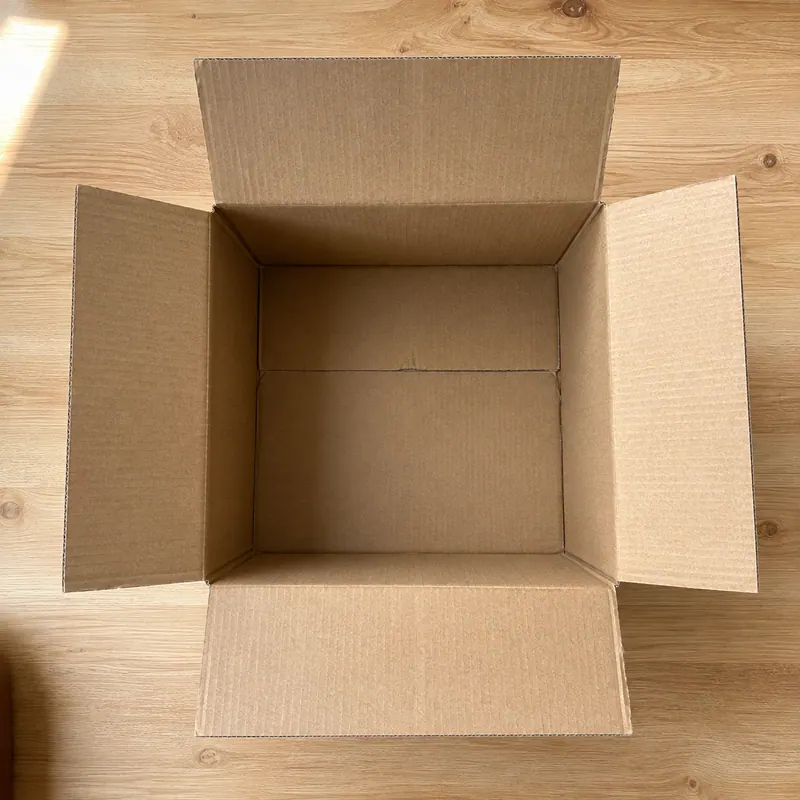
P1 · The empty box
The box is shown open and empty before anything goes into it. That gives you a fixed starting point weeks later.
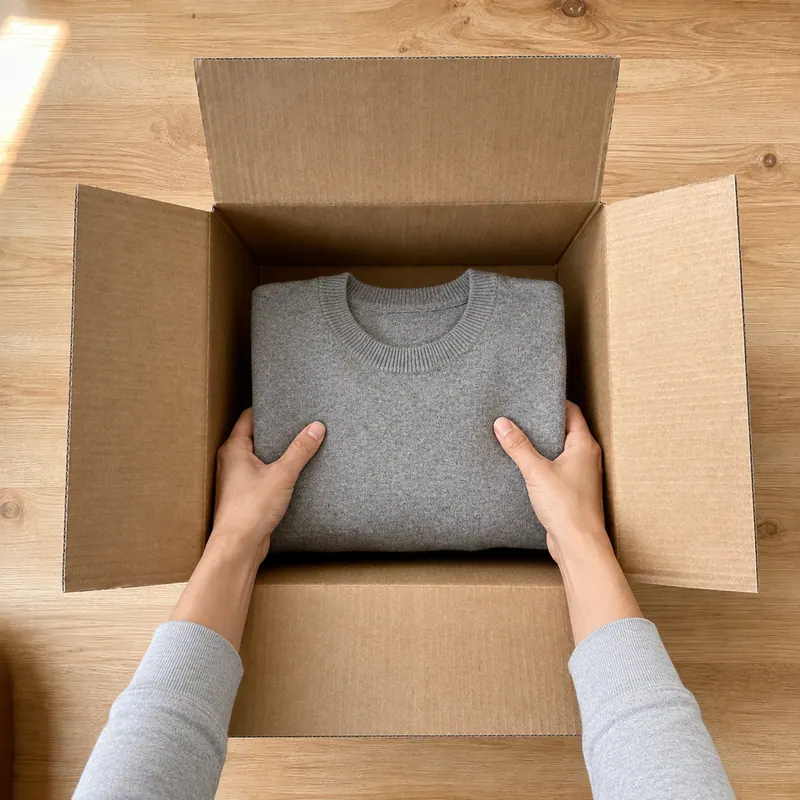
P2 · The item going in
The same item from the earlier photo goes into the same box, in one unbroken sitting. It cannot be a separate go an hour later.
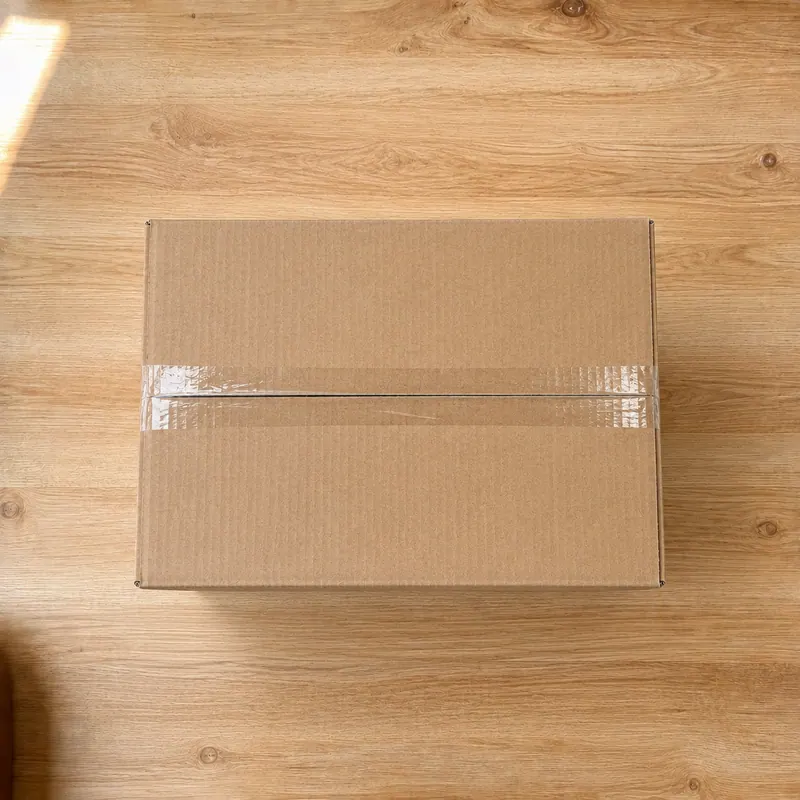
P3 · The tape going on
The tape has to show across the seam. A box that is not properly shut does not get past this step.
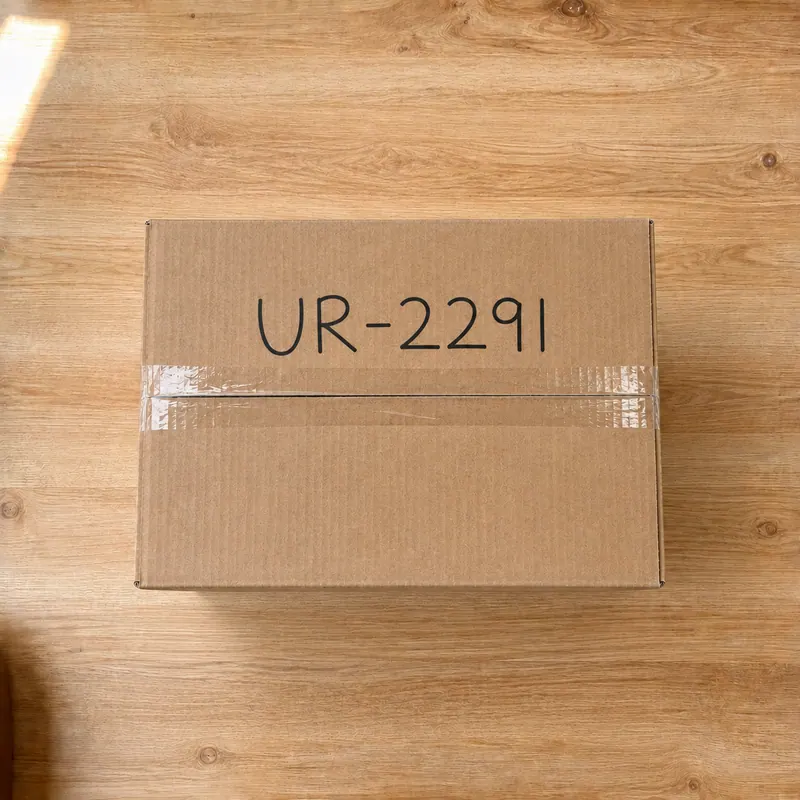
P4 · The code on the lid
A second code goes on the box itself. Our side reads it back and checks it letter by letter, rather than taking the phone's word for it.
“They sent back an empty box” and “your warehouse lost my return” are the same argument from two sides, and until now neither side could do more than insist. Shoppers have been solving it on their own for years, filming themselves packing and buying tamper-proof tape, because they get blamed too. These four photos answer it both ways, from one record.
A box that turns up light is now a question you can answer instead of swallow. And the customer who packed it properly is cleared by the same photos. If someone genuinely cannot finish the steps, the return comes to you rather than being turned down.
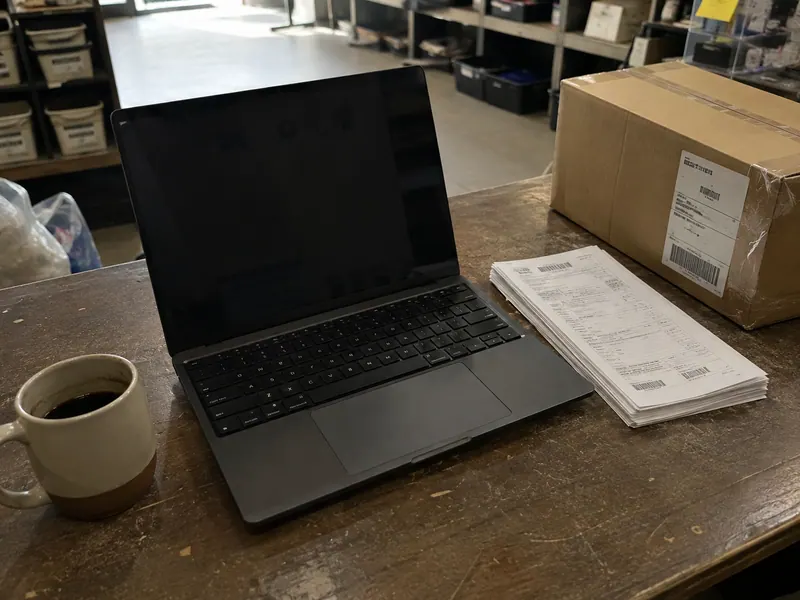
When a return is small and the customer is trusted, UnReturns approves it and pays them without asking you anything. Everything else goes to your dashboard with the item and the AI’s camera check sitting right there. Select up to twenty five and approve them in one go, or open one customer and read every return they have ever sent your shop.
Decide in batches. Tick up to twenty five returns and decide them all in one go.
Each customer has one page. It shows every return they have sent you, every camera attempt, your own private notes, and what other shops on the network have seen.
The reports show their working. Every rate shows the number it was worked out from, and is left out entirely when there is too little behind it to mean anything.
You write something like “if the order is over three hundred dollars, send it to me first” and UnReturns does exactly that. A rule can look at thirteen different details of a return and it can do six different things, so an expensive order can wait for you while a cheap one goes straight through.
What happens
Nothing is decided for you. The return waits in your queue with its evidence attached, and no money moves until you press a button. Orders over $300 are worth a second look, so this is the first rule most people write.
The preview you see while writing a rule comes from the same code that runs it. Every edit is written down with the name of whoever made it. One limit: asking for the camera only changes anything for returns that start inside Shopify, because the returns page already shows a camera when it needs one.
You can send the full amount back, or only part of it if the item comes back damaged. You can give store credit instead of cash, send an exchange in a different size, or let them keep the item and refund them anyway when posting it back costs more than it is worth. You also choose the moment the money goes out, either when the box reaches you or the second you approve it.
The full amount back
You press once on the return. Your restocking fee and any postage you covered come off first, and never more than your customer was told.
Only part of it
If the item comes back damaged, send back part of the price instead of all of it. A person always presses that button. Our AI is not allowed to.
Store credit instead of cash
A real Shopify discount code tied to that customer, with a bonus on top if you want to keep the money with you.
An exchange for a different size
Another size or colour of the same product, sent out before the first one is back, with a short hold in case something looks wrong.
Anything in the shop
Instead of a refund your customer browses your whole catalogue. If the new item costs more they pay the difference. If it costs less the rest becomes credit.
Let them keep it
When posting the item back costs more than it is worth, refund them and skip the box entirely.
Pay when the box reaches you
Choose the moment: when the carrier first scans the box, when it is delivered, or not at all. Risky returns are held back from this on their own.
Pay the second you approve
For customers with a clean history you can pay the moment you approve, before anything is posted.
All of it on every plan, including the cheapest one.
Damage claims, kept separate
Switch it on and a customer can report a broken or wrong item without posting anything back. They photograph the damage; you choose a replacement, part of the money, all of it, or credit. It never touches your ordinary returns.
Four ways to tell them
Email, text message, WhatsApp and browser notifications, all off the same list of moments, all worded by you. A refusal our AI makes is sent without a reason on purpose. The reasoning stays with you.
Labels on your own account
Connect the shipping account you already use and we buy the cheapest label on it, with a QR code where the carrier takes one and a real customs form for anything crossing a border. We do not sit between you and the carrier.
It should look like your shop
Set the name, the colour and the logo, or let it read the real styles off your live shop and match them. Run the whole thing on a web address of your own.
Shops warn each other
When somebody is caught abusing returns at another shop using this, you are told, even if they come back with a new email address. Nothing readable is stored. Names are scrambled one way before they leave, and a shared address on its own counts for nothing.
Tell the camera what to look for
Write a line like “check the zip runs the whole way” against one product or a whole collection, and the check gets asked. Vague instructions are marked and sent back to you before any customer meets them.
Better you find out now than later. UnReturns sends returns back by carrier, on your own shipping provider, for Shopify shops, without POS registers or physical drop-off bars. We integrate via webhooks rather than pre-built 3PL or helpdesk plugins. It only adds stock when your own inspector says an item is sellable, and it cannot promise an item is the exact unit you shipped.
Carrier returns only. No POS integration.
UnReturns handles returns that travel with a carrier label or QR code from your own shipping provider. It does not connect to in-store checkout registers or run counter drop-offs of its own.
Shopify-native only. No pre-built 3PL, WMS, or helpdesk connectors.
We integrate directly with Shopify and emit webhooks to external systems. We do not provide pre-built integrations for Gorgias, Zendesk, Recharge, or third-party warehouse systems.
No physical drop-off network.
Returns move through shipping carrier labels from the shipping provider you already use. We do not operate drop-off bars, retail kiosks, or physical counter networks.
It will not add stock on a guess.
When your own inspector says an item is sellable as-is, the units go back into your Shopify stock and the return shows you how many. If the grade and that decision disagree — a damaged item marked for the shelf — nothing moves and it comes to you instead.
It will not send your proof to the bank.
When a customer complains to their bank, UnReturns puts all the proof together in one file: the codes, the photos, the timings, and a fingerprint of every file. You are the one who sends it to them.
It cannot promise the item is the exact one you shipped.
No serial numbers, no unit-by-unit identity, nothing that calls something a fake. Nothing films your stock going out the door, so no honest check could claim it.
It will not put your returns policy on your site.
It writes your returns policy for you from your own settings and hands it over. Putting it on your site is still something you do.
Nothing here is video.
Every check is built from photos taken during a live camera session. Photos are what get stored, and photos are what go into the file for the bank.
Only a refusal our AI made can be appealed.
If our AI says no, your customer can ask for a person with one tap. If you say no yourself, that is final on the returns page and they have to come to you directly.
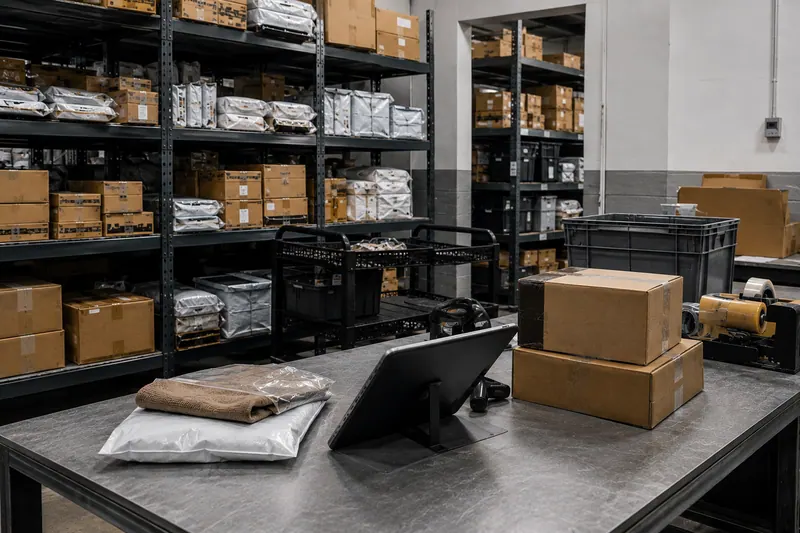
When the box arrives, whoever opens it has the customer’s photos on screen right next to the real item. They mark it as good to sell again, broken by the courier, faulty from the factory, or damaged by the customer. UnReturns turns all of that into a spreadsheet you can send to your supplier or the courier to get your money back.
Your warehouse gets its own login. If what turns up does not match what was claimed you are told, even if the money has already gone back.
Every item your team opens is marked as good to sell again, broken by the courier, faulty from the factory, or damaged by the customer. The supplier and courier claims come out as spreadsheets you can send straight on.

A risk score on its own is never allowed to refuse a return, so if the AI is not sure, the decision comes to you instead. Sending a lot of things back is never counted as cheating by itself. Anything bad in a customer’s history stops counting after six months. Seven of these eight cannot be switched off by anyone, and that includes you.
A risk score on its own can never refuse a return.
No switchItems that share one set of photos are never refused automatically.
No switchIf our AI is not sure, the decision comes to you, not to them.
No switchExpensive returns wait for a person.
Yours to loosenSending a lot of things back is not cheating by itself. Only outcomes ever count.
No switchAnything bad in a customer's history stops counting after six months.
No switchYour customer never sees their score, or what moved it.
No switchEvery plan has every feature. Only the number changes.
No switchThe only difference is how many checked returns you get each month.
14-day free trial. 3 checked returns to test everything, with every feature working from the first one. No card, and no trial to forget to cancel — nothing is charged when it ends, because there is nothing to charge.
When the trial ends — after 14 days, or once the 3 checked returns are used — pick Guard, Shield or Fortress to keep the automatic checks running. Returns still reach you either way, and your customers are never blocked: past the trial they simply arrive unchecked, for you to look at.
Download your orders file from Shopify and drop it in. UnReturns shows you what it would have caught. Everything is worked out on your own computer and nothing is sent to us.
Or pick the file yourself. In Shopify: Orders, then Export, then All orders as CSV.
Nothing is sent to us
A returns management platform for Shopify stores. Your customer opens your own return portal, asks to send something back, and picks how they want it settled — a refund, an exchange for a different size, colour or product, or store credit. Your rules decide whether the return is allowed and what it is worth, approved returns get a shipping label, and whatever arrives back is received, inspected, graded and reported on. Verification sits inside all of that rather than in front of it: it is configurable by order value and risk, so a cheap return from a customer with a clean history finishes on one screen with no camera at all.
No. The default mode skips the camera for cheap returns from clean customers. They pick the item and finish on one screen. The camera only opens when an order is expensive or risk signals call for it. You set the dollar threshold and every rule, or you can turn the camera on for all returns or off completely.
Type in their order number and email. For trusted returns, they pick the item and finish on one screen. If an item needs checking, they write a short code on paper, hold it beside the item, and show both to the camera. If their computer lacks a camera, a QR code hands off to their phone in one tap.
UnReturns is for Shopify shops, and returns travel by carrier: we buy the label on your own shipping-provider account. We do not integrate with in-store POS registers, run physical drop-off kiosks, or ship pre-built connectors for Gorgias, Zendesk, Recharge, or third-party warehouse systems.
In a private store. Every link to a photo is signed at the moment somebody opens it, and a photo can only be opened from inside the return it belongs to. Anything that names a person on the shared network is scrambled one way before it leaves. There is no readable email, device or address in it. When Shopify asks us to erase a customer or a shop, the files go too, not just the rows.
Returns keep arriving and your customers are never stopped — they just come through without the automatic check, sitting in your queue for you to look at. Anything already being checked when you run out finishes normally. The allowance resets at the start of the next month, or you can move up a plan and the checking switches straight back on. The 14-day free trial works the same way, with one difference: it does not reset. 3 checked returns, and when the 14 days are up or the 3 are spent, whichever comes first, you pick a plan to keep the checks running.
When our AI made the refusal, they can ask for a person with one tap and it lands in your queue. The message they get never contains our reasoning. A refusal that explains itself can be practised against.
3 checked returns in your first 14 days, with every feature working from the first one. You install it from your Shopify admin, and if you remove it, all your information goes with it.